
Billing and stock that agree with each other
Billing software that deals with invoicing, inventory and accounting in the easiest way. Raise a bill and the stock moves, the customer balance updates and the books follow, all from the one action you were going to take anyway.
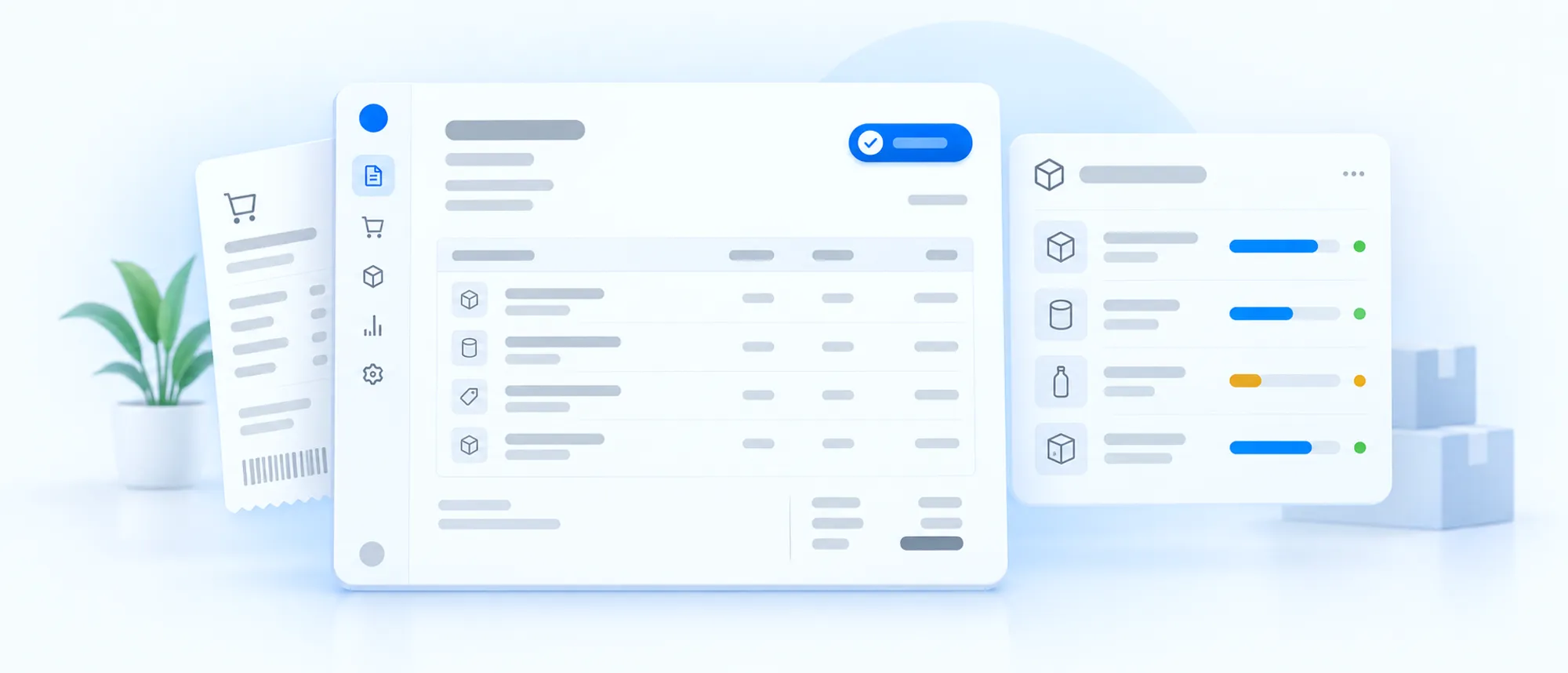
Three records of the same sale
A sale gets written in a bill book, a stock register and eventually an accounts file. Each copy is a chance to be wrong, and reconciling them is a job somebody does at the end of the month instead of serving customers.
- Stock never matches the shelfThe register says one thing, the godown says another, and the customer is waiting.
- Dues are reconstructed, not knownWorking out who owes what means going back through bill books.
- Month-end takes daysFigures are assembled from several places before anyone can look at them.
What the software does
Set up around your business during implementation, not handed over as a blank screen.
Invoices from saved records
Customers, items, rates and tax come from the master. Billing becomes selecting rather than typing.
Stock that moves itself
Every sale reduces stock and every purchase adds to it, the moment the entry is made.
Reorder levels per item
Low-stock points sit on the item, so you order before a customer finds out you are out.
Outstanding kept current
Credit given and payments received update the customer balance as they happen.
Recurring bills
Monthly and annual invoices raise themselves on schedule instead of being remembered.
More than one location
Counter and godown stock tracked separately, viewed together.
What changes day to day
Billing at the counter is faster
Fewer keystrokes per bill, and the rate is right because it came from the item master.
You can answer 'do we have it'
Current stock is on screen, not something to be checked in the back and reported later.
Collections stop slipping
An ageing view shows who has owed what, for how long, without anyone building a list.
Month-end is a report, not a project
Sales, purchases, stock and dues are already in one system when the accountant asks.
Works alongside
Run it on its own, or let it share customer records with the rest.
See it against your own business
Tell us how you handle this today and our team will show you what the same work looks like once it is set up.